Mobile app
Using the app day to day: offline billing, camera scans, attendance
What happens when the network drops mid-bill, photographing licences, checking the team in, and the few things that stay on the web.
Billing offline
A pharmacy's signal dies in the stockroom. If you complete a bill and the phone cannot reach the server, the sale is queued, the screen says so, and a banner at the top counts the bills waiting to sync. When the connection returns they are sent automatically, in order. Each queued bill carries a unique key, so even if the phone retries, the customer is billed once.
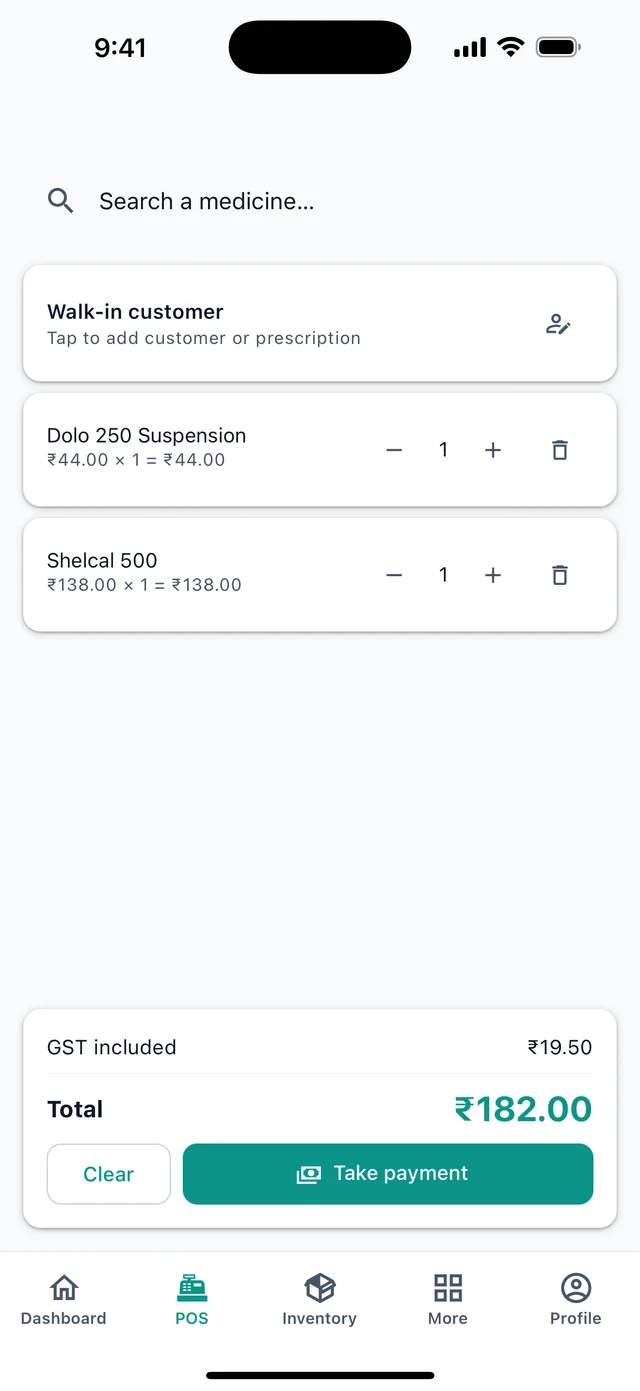
Reads (stock, customer lookup) need a connection; if the network is down you can still bill items already shown on the screen.
Photographing licences
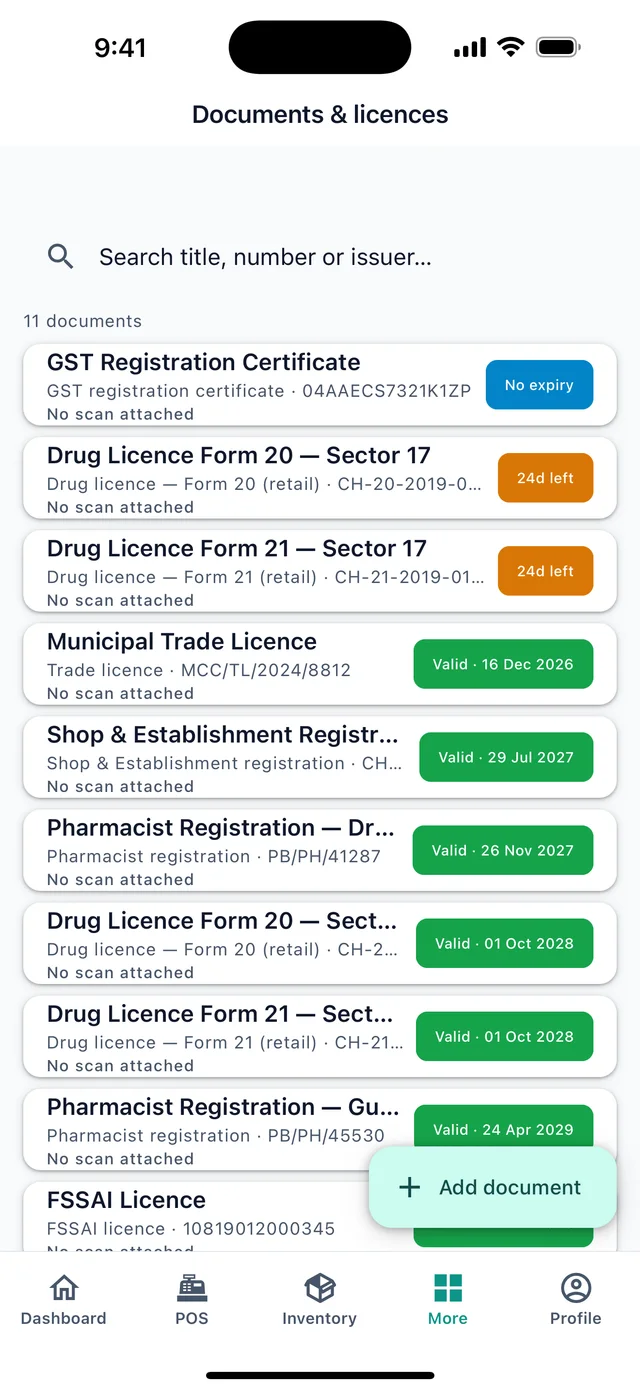
More → Documents & licences → open a document → Take photo. The camera opens; frame the licence; the photo is attached as the scan. Choose photo picks one from the gallery. PDFs are attached from the web.
Attendance
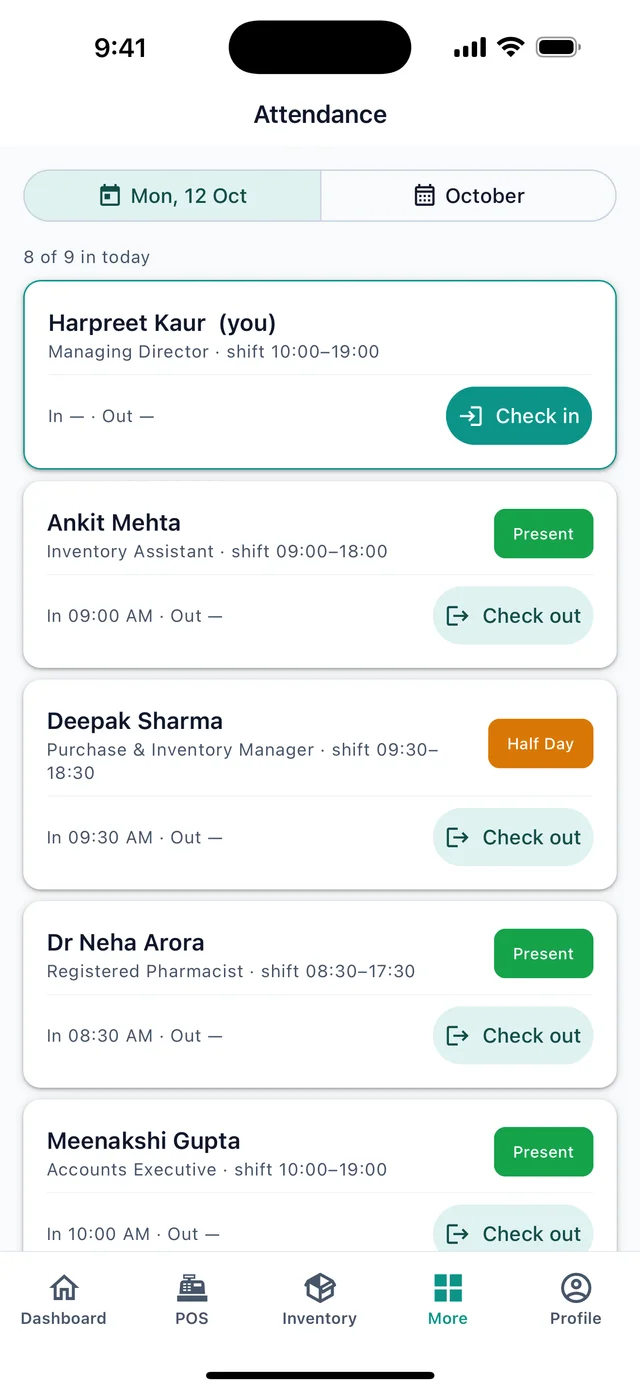
More → Attendance shows today's sheet: who is in, who is out, since when. Managers tap Check in and Check out per person. Your own row is on top. The month view totals present, half-day, leave and absent per person for payroll.
Receiving deliveries
More → Purchases → open the order → Receive delivery. Enter quantity, batch and expiry (MM/YYYY) per line with the carton in hand. See Purchases.
Invoices from the phone
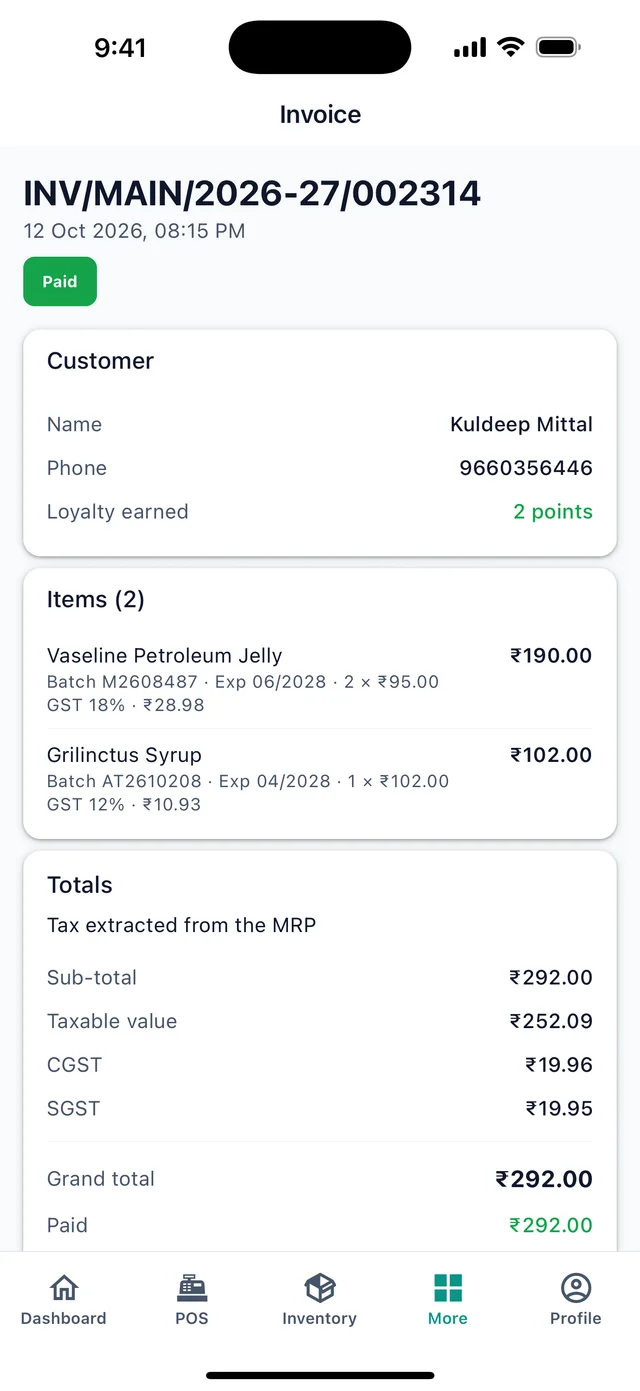
Open any bill under More → Sales & invoices: Open PDF shows it in the phone's viewer, Share sends a link on WhatsApp, Email invoice, Return items.
Switching stores
Profile → Store. The dashboard, POS and inventory switch to that store at once.
What stays on the web
Creating a purchase order, adding staff and roles, company settings, plans and billing, data export and closing the account. Profile has links that open those pages in the browser.
Common mistakes
- Closing the app while bills are waiting to sync. The queue is saved on the phone and sends next time the app opens with a connection, but it is better to let the banner clear first.
- Taking a licence photo in bad light. The scan is what an inspector sees. Use the gallery to pick a better photo if the first is dark.
Still stuck? akhil.cyberbells@gmail.com