Getting started
Set up your pharmacy
Company profile, logo and signature for invoices, stores, opening hours, and the defaults that decide how billing behaves.
Do this once, as the owner, before the first bill. Everything here prints on invoices or changes how the counter behaves, so it is worth ten careful minutes.
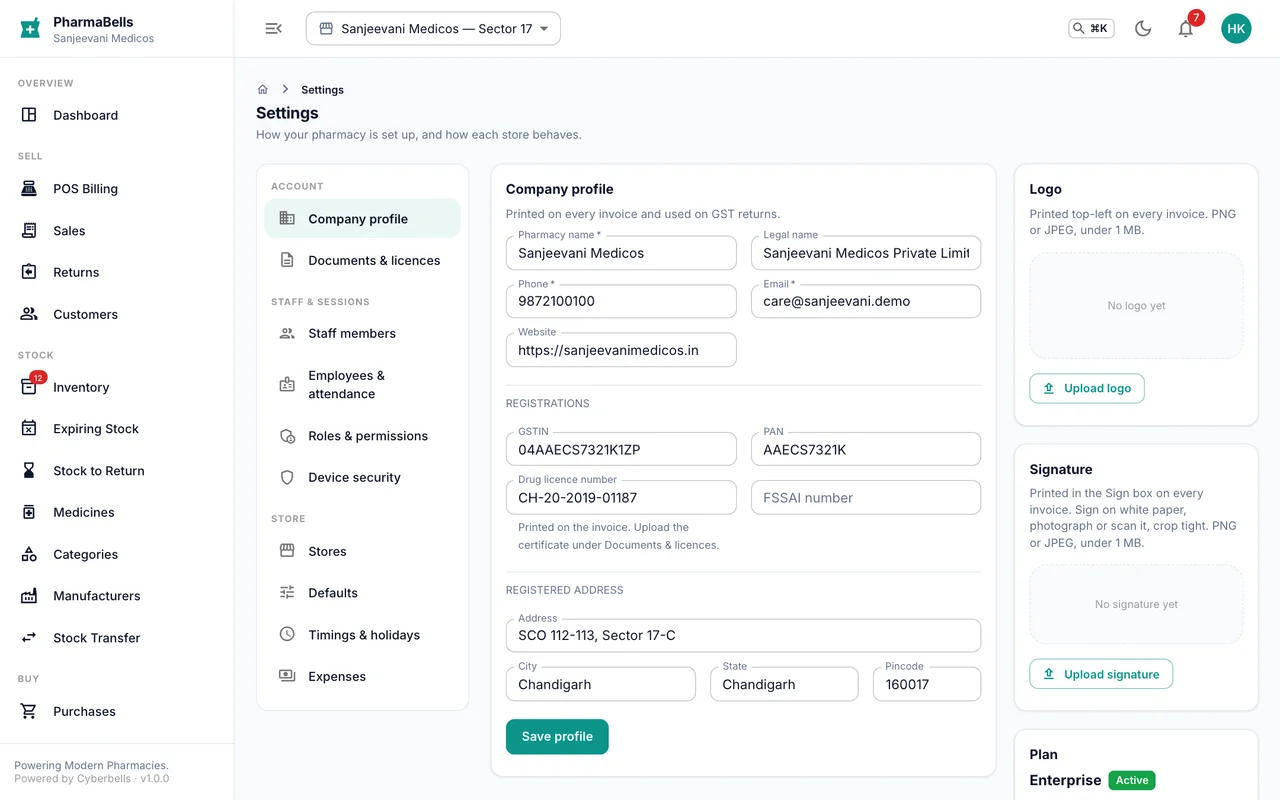
Company profile
Settings → Company profile
- Fill in the legal name, GSTIN, PAN and drug licence number. These print on every tax invoice; a wrong GSTIN makes every invoice wrong.
- Enter the registered address with the state. The state decides whether a bill carries CGST+SGST or IGST.
- Upload a logo (PNG or JPEG, up to 1 MB). It appears top-left on the invoice.
- Upload a signature image. It prints in the invoice's "Authorised signatory" box. A photo of a signature on white paper, cropped tight, works well.
Stores
Settings → Stores
Each branch is a store with its own code, address, phone and drug licence number. The store code (for example MAIN) becomes part of the invoice number, so keep it short and never change it after the first bill.
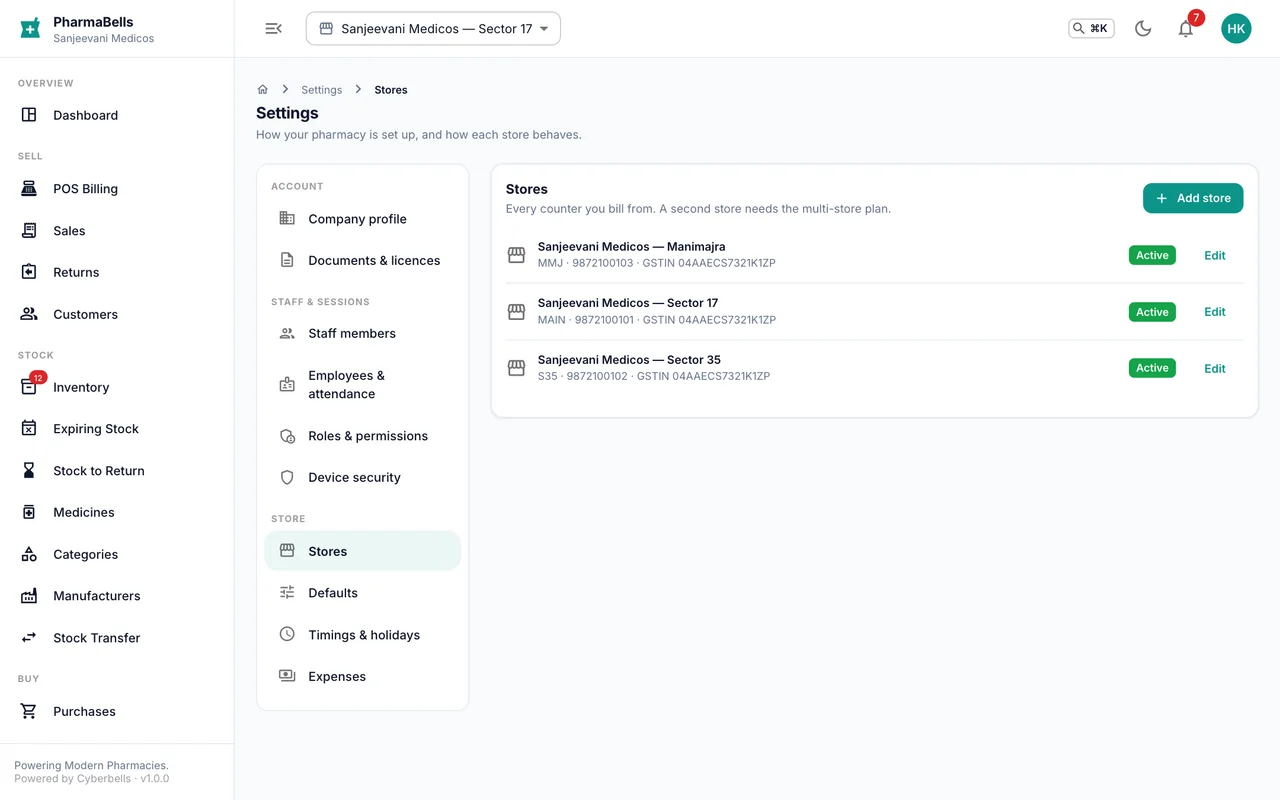
Add a store with Add store, then give staff access to it from Settings → Staff.
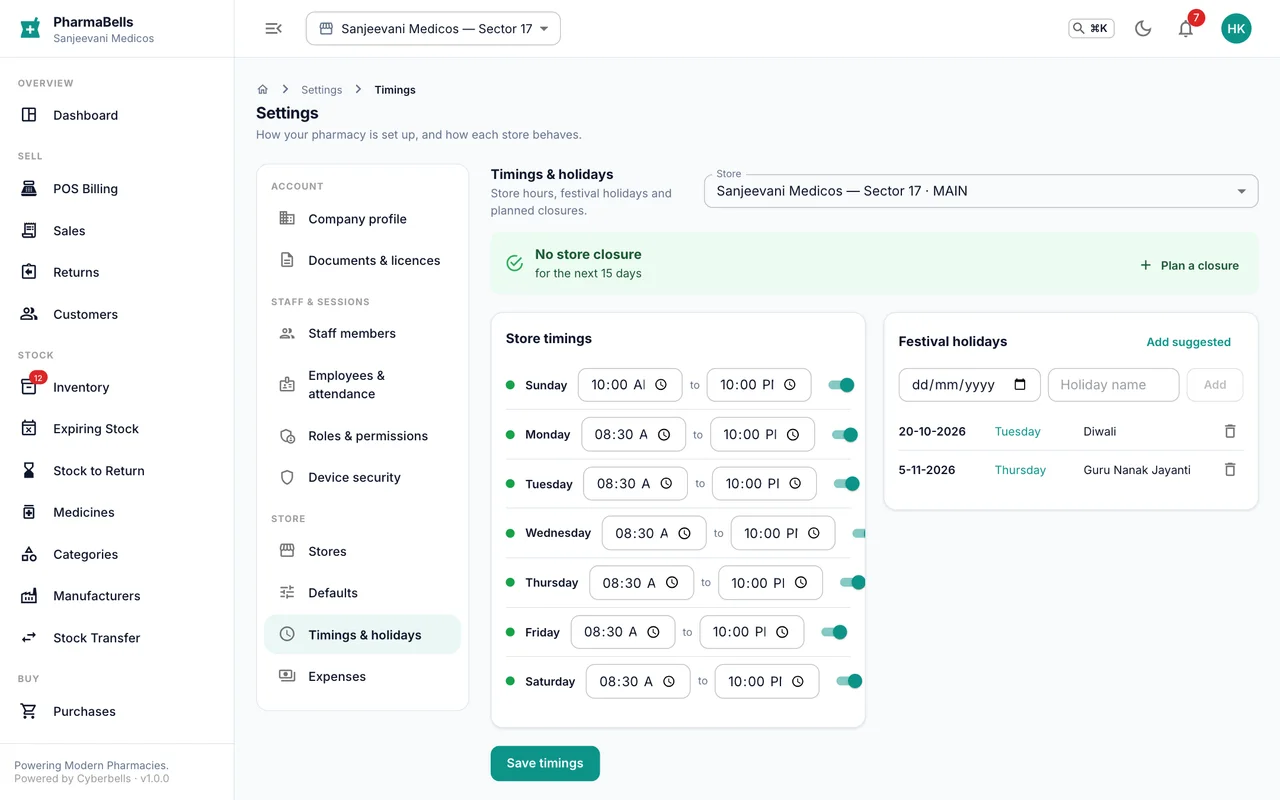
Store timings and holidays
Settings → Store timings
Set the opening and closing time for each day, mark weekly offs, and add holidays. Timings show on the website listing and drive late-arrival calculations in attendance.
Defaults
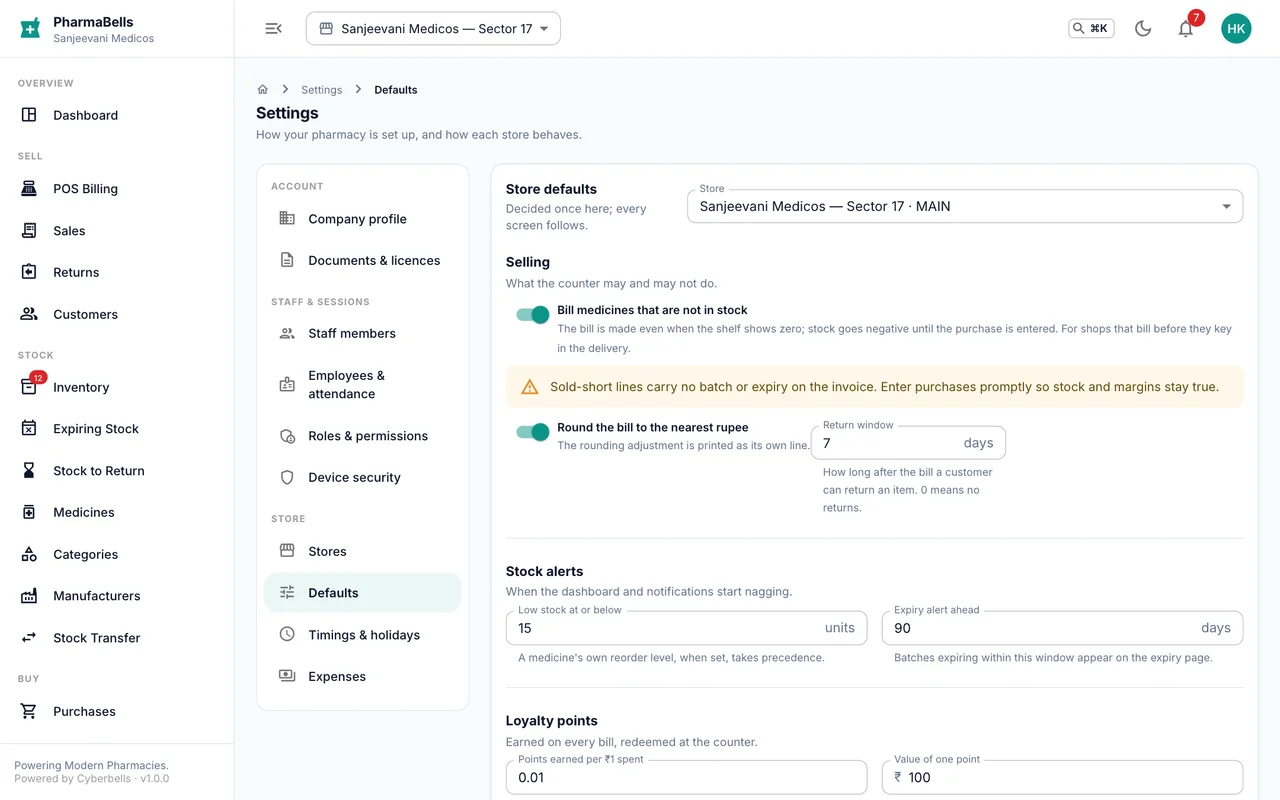
Settings → Defaults
| Setting | What it does |
|---|---|
| Allow billing without stock | When on, the counter can bill an item that shows zero stock; stock goes negative and is corrected when the purchase is received. Off by default. |
| Round off totals | Rounds each bill to the nearest rupee and prints the round-off line. |
| Return window (days) | How many days after the invoice a return is accepted at the counter. |
| Low-stock threshold | Below this quantity an item appears in the low-stock list and alerts. |
| Expiry alert (days) | Batches expiring within this many days appear in Expiring Stock and alerts. |
| Loyalty | Points earned per rupee and the value of a point when redeemed. |
What to check
- Make a test bill of one item and open its PDF: logo, licence numbers, GSTIN and signature should all be there.
- The invoice number should read
INV/<store code>/<financial year>/000001.
Common mistakes
- Changing the store code later. Invoice numbers must be continuous for GST; the system refuses after the first bill.
- Uploading a logo with a transparent background. It prints fine, but preview the PDF to be sure it is not white on white.
Still stuck? akhil.cyberbells@gmail.com